

Styli.sh - Wallpaper switching on i3 made easy
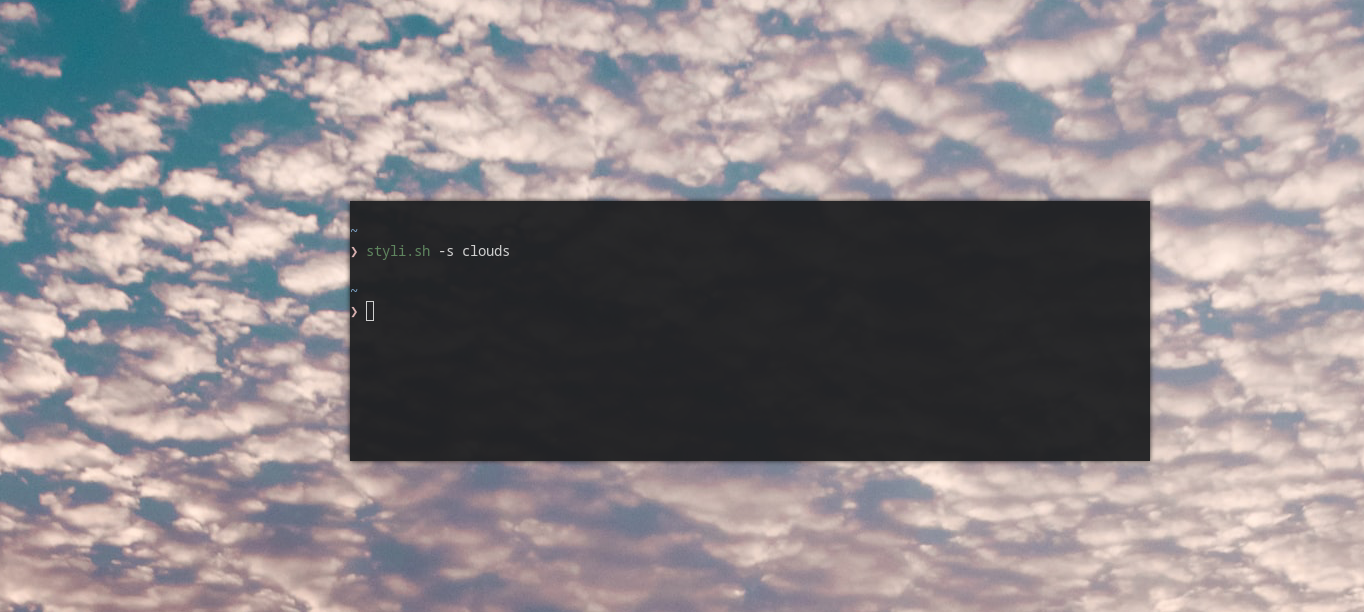
Stily.sh is a Bash script that aims to automate the tedious process of finding new wallpapers, downloading and switching them via the i3 config. Styly.sh can search for specific wallpapers from unsplash or download a random image from the specified subreddits. If you have pywal it also can set automatically your terminal colors.
Requirements
This script is made to work with feh so having it installed is a requirement. Currently it does not support Desktop Environments. If you want to use the -p flag you will have to have pywal installed.
Install
git clone https://github.com/thevinter/styli.sh
cd styli.sh
./styli.sh
Usage
# To set a random 1920x1080 background
$ ./styli.sh

# To specify a desired width or height
$ ./styli.sh -w 1080 -h 720
$ ./styli.sh -w 2560
$ ./styli.sh -h 1440

# To set a wallpaper based on a search term
$ ./styli.sh -s island
$ ./styli.sh -s sea -w 1080

# To get a random wallpaper from one of the set subreddits
# NOTE: The width/height/search parameters DON't work with reddit
$ ./styli.sh -l reddit

# To get a random wallpaper from a custom subreddit
$ ./styli.sh -r <custom_reddit>
$ ./styli.sh -r wallpaperdump

# To use the builtin feh --bg options
$ ./styli.sh -b <option>
$ ./styli.sh -b bg-scale -r widescreen-wallpaper

# To add custom feh flags
$ ./styli.sh -c <flags>
$ ./styli.sh -c --no-xinerama -r widescreen-wallpaper

# To automatically set the terminal colors
$ ./styli.sh -p
Tips And Tricks
To set a new background every time you reboot your computer add the following to your i3/config file
exec_always path/to/script/styli.sh
To change background every hour launch the following command
crontab -e
and add the following to the opened file
@hourly path/to/script/styli.sh
Custom subreddits
To manage custom subreddits just edit the subreddits file by placing there all your desired communities, one for each newline